Photoshop handoff cleanup for After Effects

Open the PSD before you animate it.

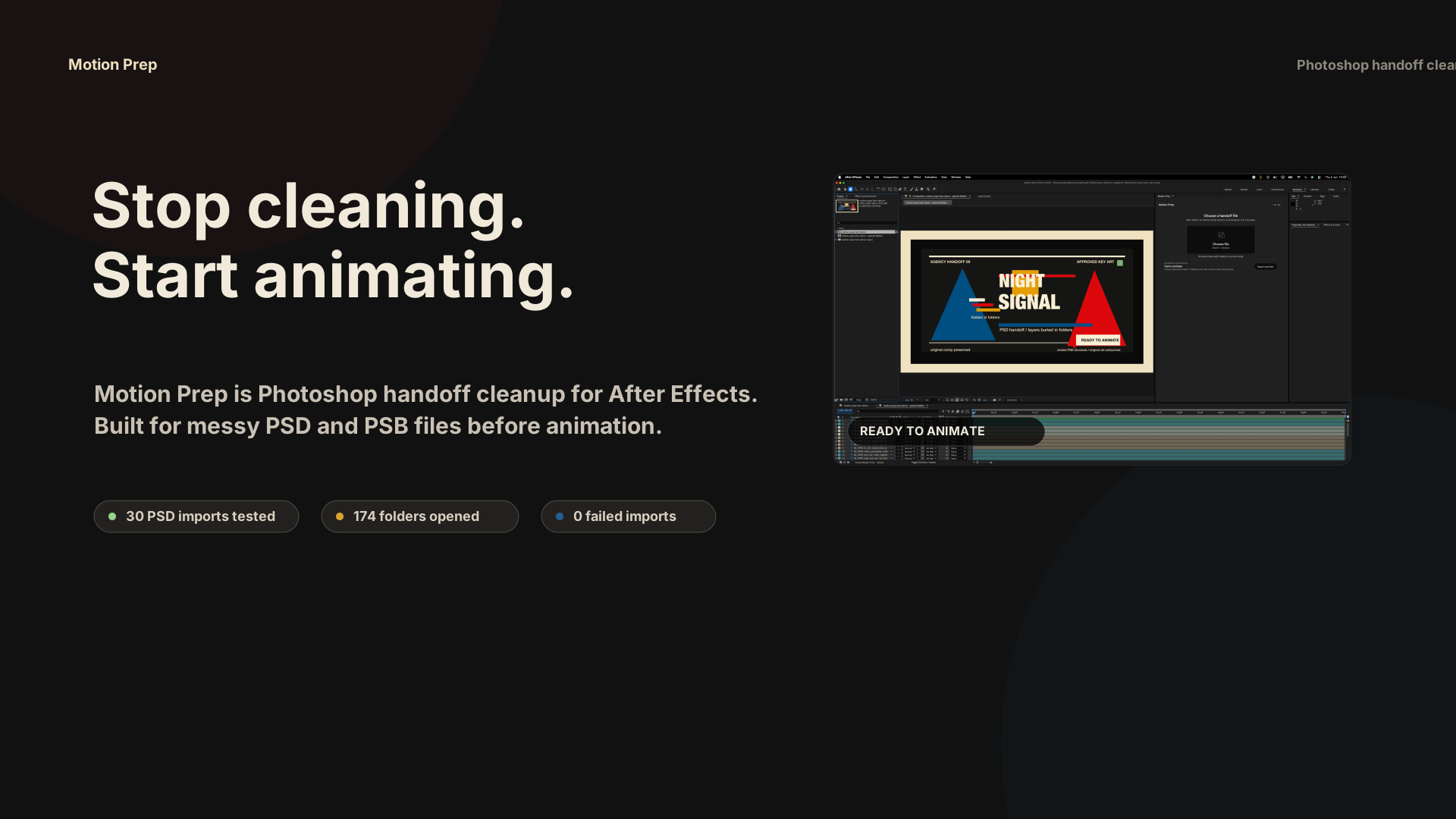
Motion Prep turns messy agency PSD and PSB handoffs into a clean working comp: buried Photoshop folder layers are exposed, source groups stay readable with colors, and the original import stays untouched.
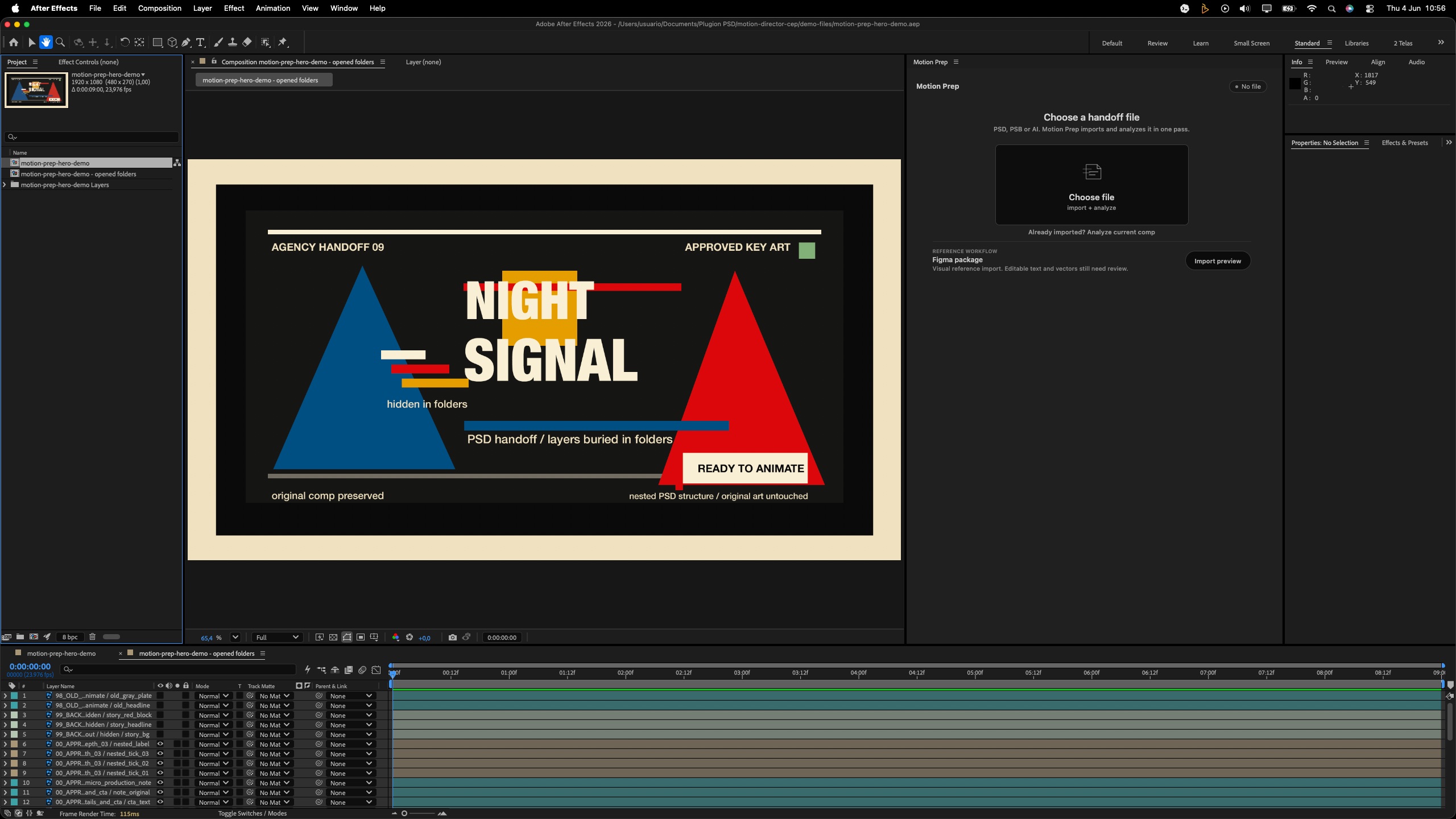
After Effects 2026 prepared comp
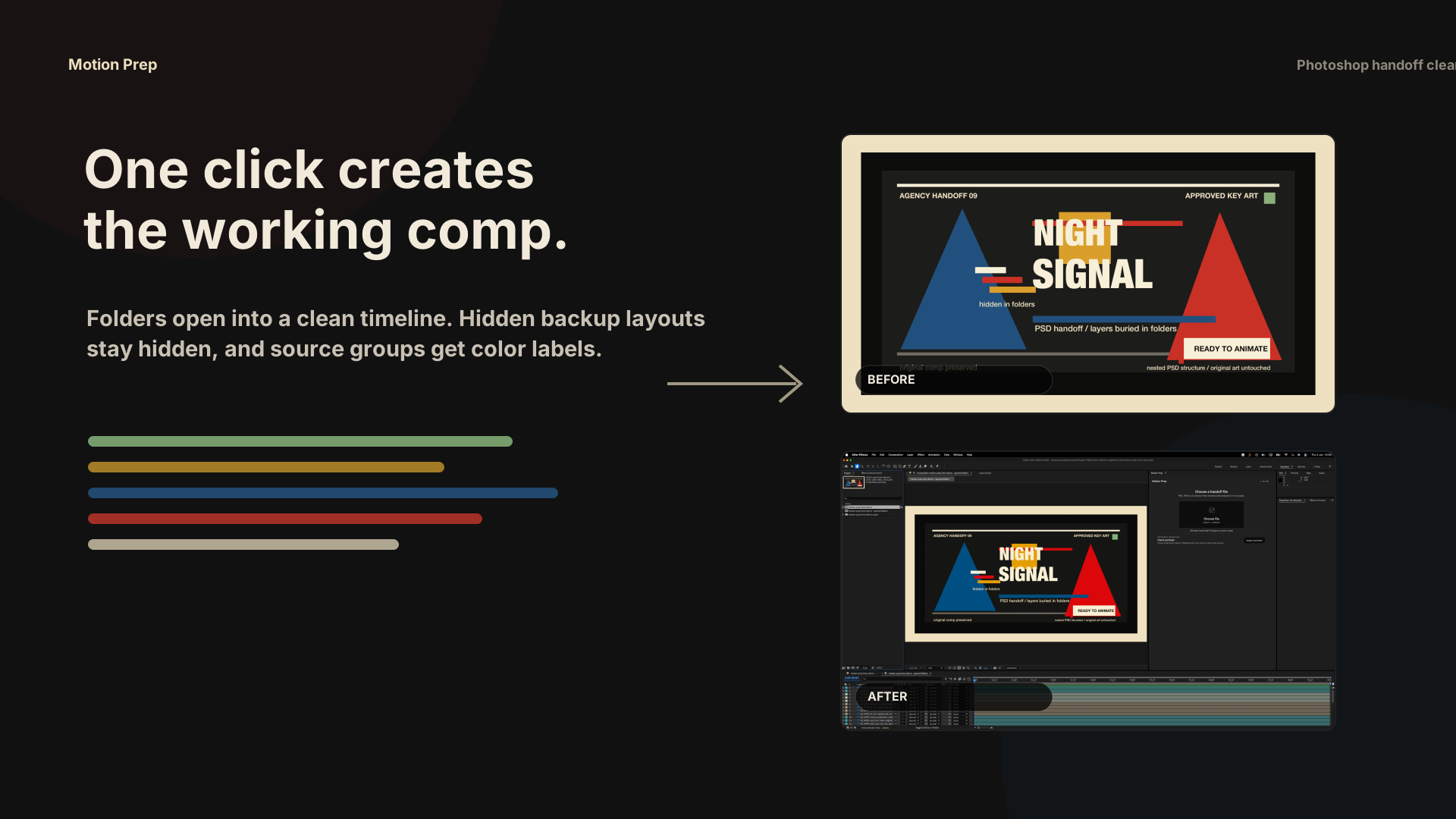
After Motion Prep: Night Signal PSD layers opened in an After Effects timeline
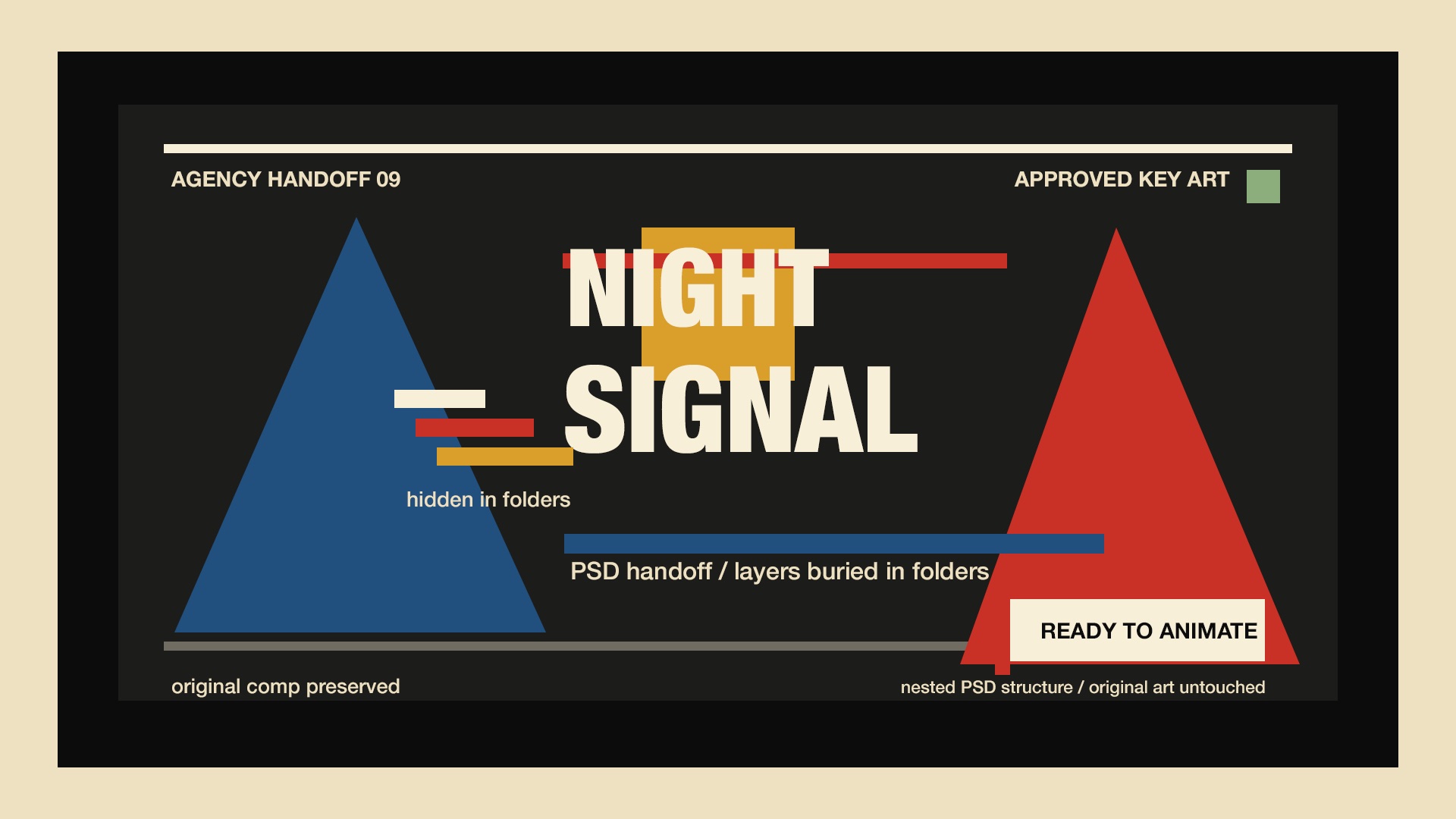
Night Signal PSD artwork before opening folders
PSDNested handoff
After Motion Prep: exposed Night Signal layers with color-coded timeline
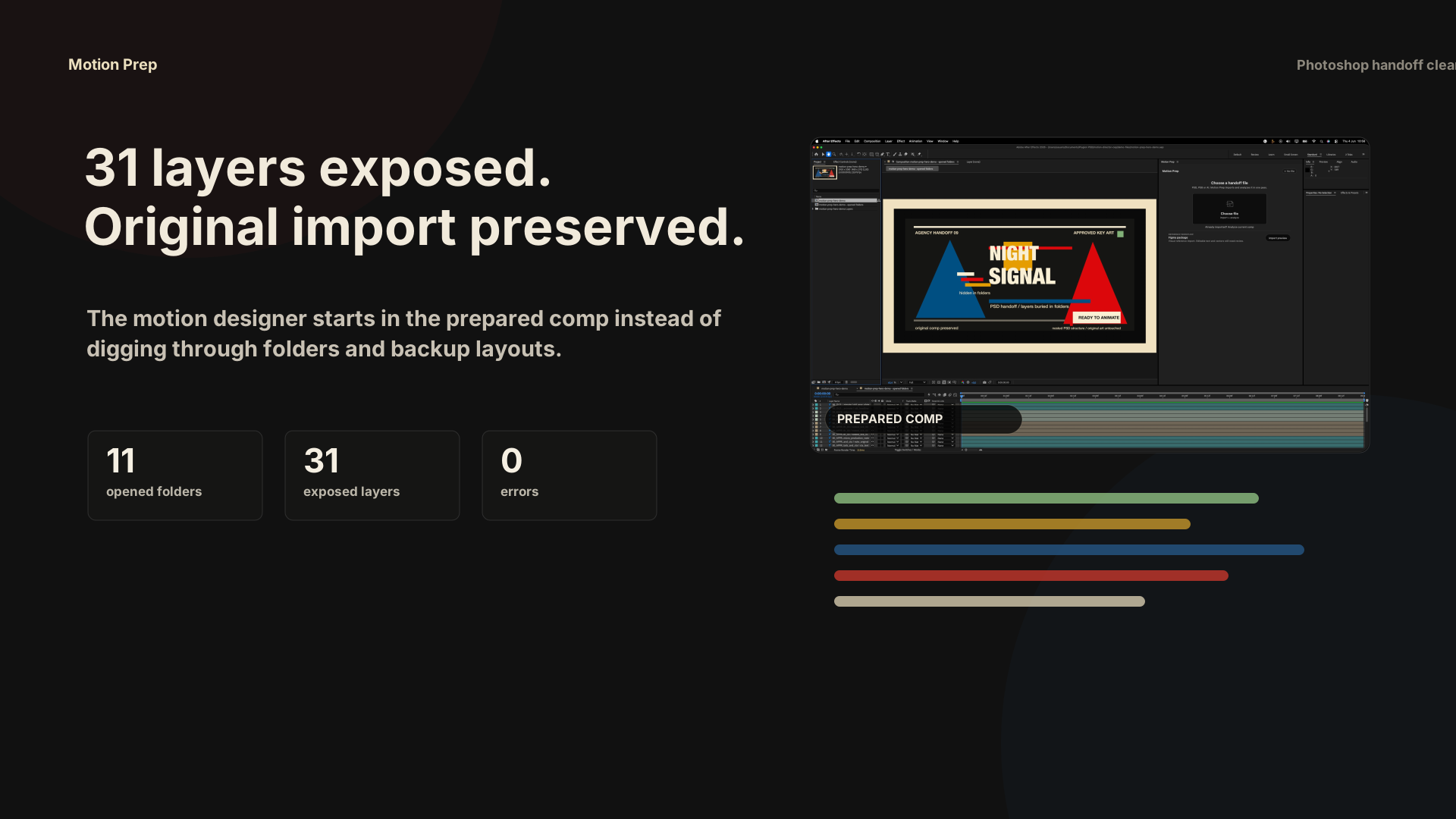
After31 layers exposed
30PSD imports tested
174folders opened
0failed imports
The handoff problem

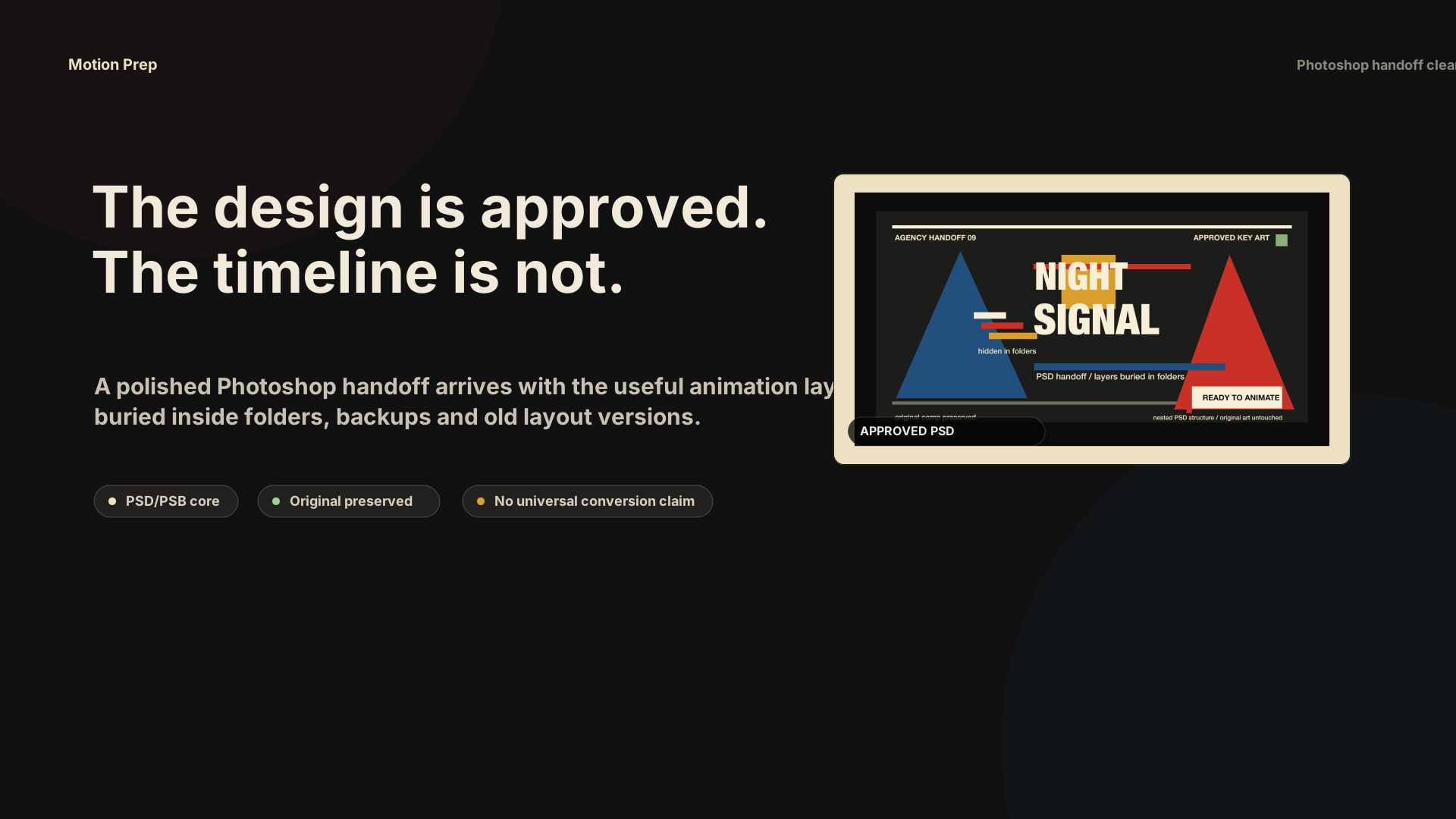
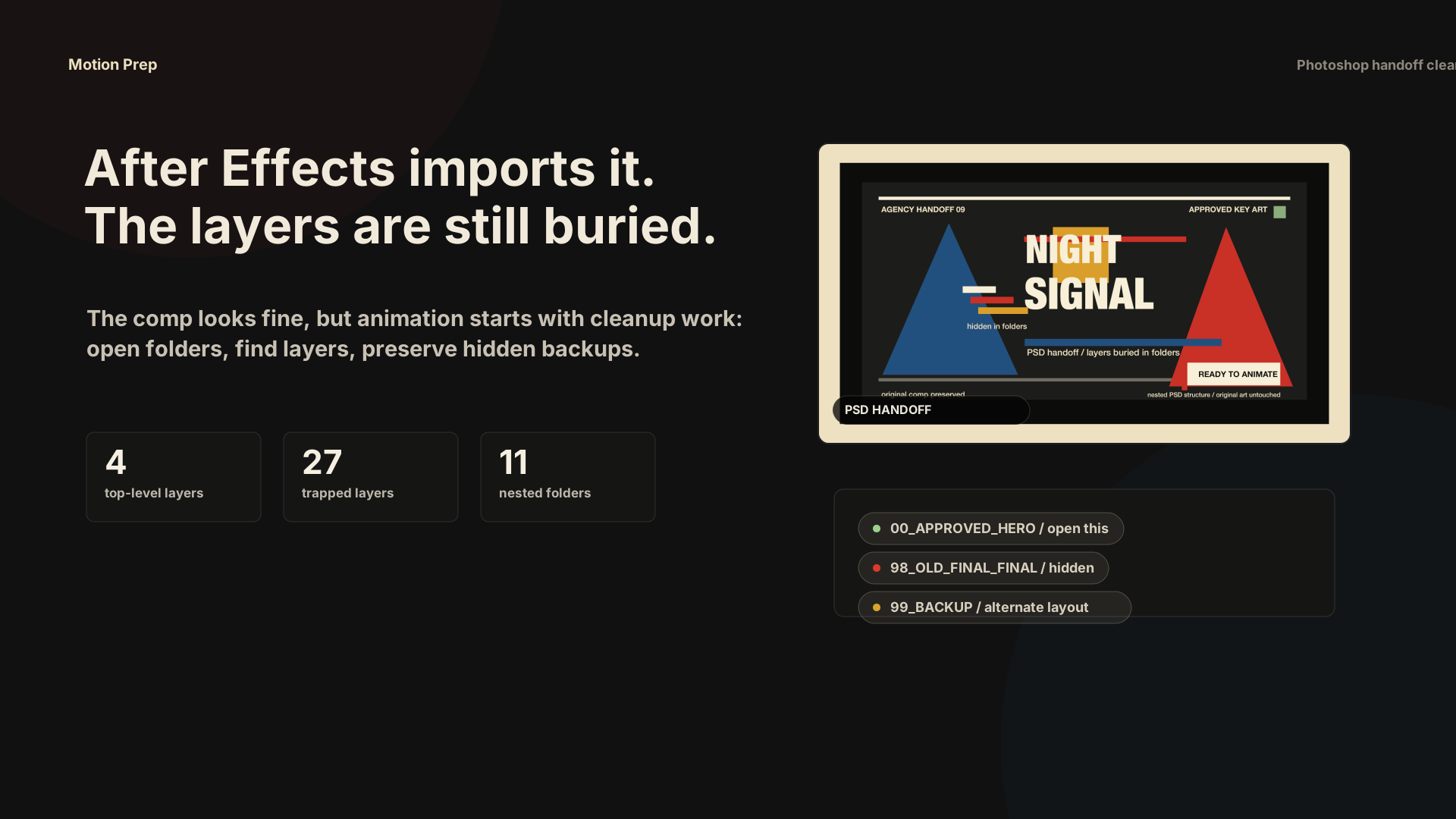
The design is approved. The timeline is not.

You do not need another design export. You need the animatable pieces out of closed Photoshop folders before the deadline starts moving.

01

Import the handoff

Start with the PSD or PSB you would normally clean by hand before animation.

02

Open the folders

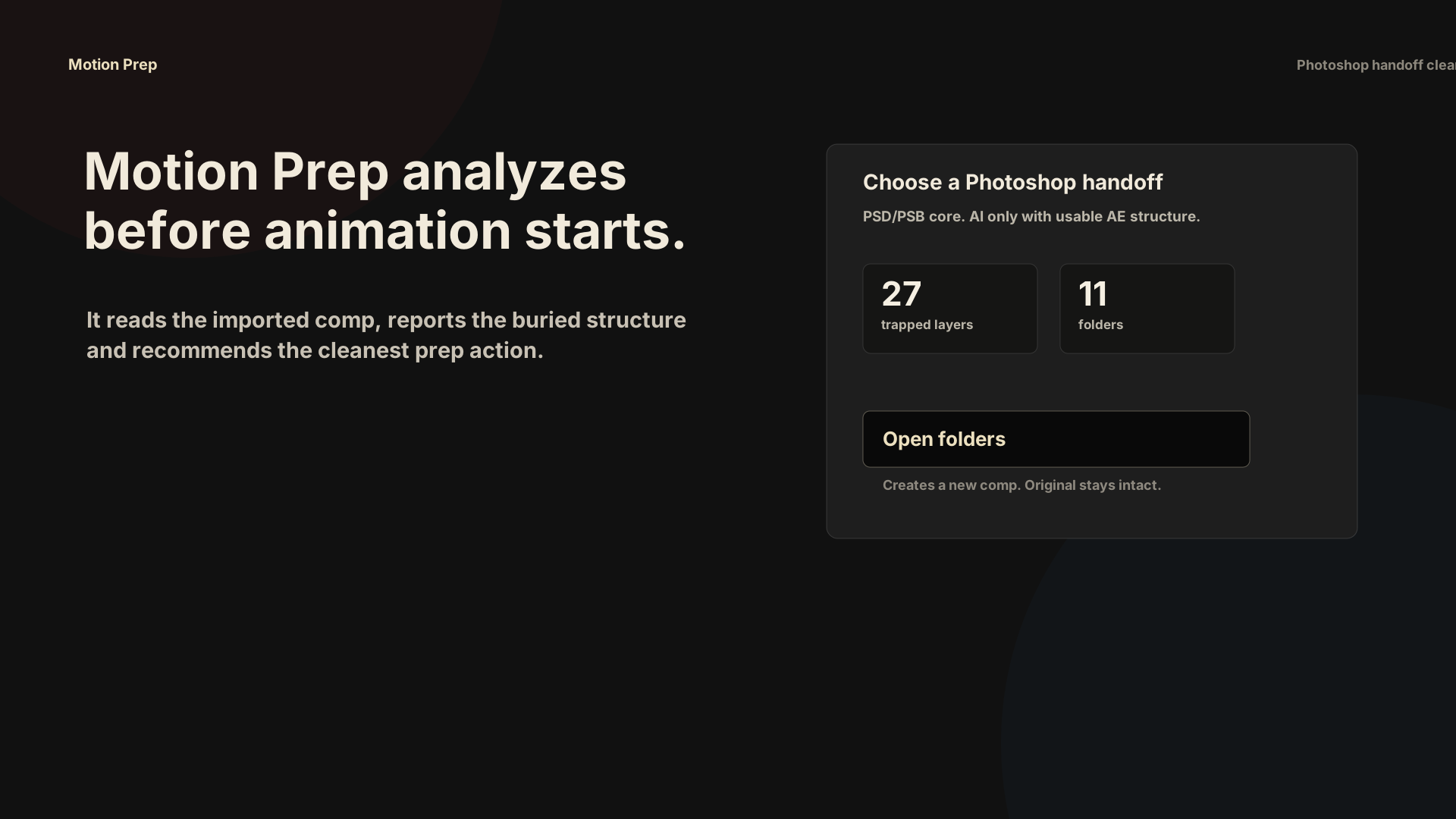
Motion Prep creates a new working comp with nested Photoshop layers exposed and color-coded.

03

Start animating

Work in the prepared comp. Keep the original import available for comparison.

Real After Effects proof

One messy PSD. A new comp with 31 exposed layers.

This test used a generated agency-style PSD with nested folders, hidden backup layouts and old-version clutter. It was imported and prepared inside After Effects 2026 on this machine.

Import: 4 layers Opened: 11 folders Prepared: 31 layers Errors: 0
Premium demo built from the sample PSD

Fake creative. Real workflow. Real plugin behavior.

A directed 18-second storyboard shows the exact handoff: approved PSD, buried timeline, Motion Prep analysis, opened folders and the prepared comp.

  1. PSD arrives approved.
  2. Layers are buried.
  3. Motion Prep analyzes.
  4. Folders open.
  5. 31 layers exposed.
  6. Ready to animate.
BeforeAfter Effects imported the PSD as a small comp with nested folders.
AfterMotion Prep created a new animation comp and preserved the original import.
SafetyHidden backup folders stay off after being exposed, so the design does not change.
Generated agency-style PSD artwork used for the Motion Prep proof
The handoff A polished PSD layout with nested folders, hidden alternates and old-version clutter.
After Effects 2026 showing the Motion Prep opened-folder comp and color-coded timeline
The result 31 layers exposed in a new comp, color-coded by source folder. Original preserved.

Test result: After Effects 26.2.1x2, 11 folders opened, 8 color groups, 0 skipped layers and 0 errors.

What Motion Prep handles

A focused Photoshop prep pass, not a cloud converter.

Motion Prep is for the repetitive After Effects cleanup between an approved Photoshop file and an animatable timeline.

Open nested Photoshop folders

Pull internal layers out of source precomps into a new working comp.

Color by source folder

Keep the timeline readable when a file has dozens or hundreds of layers.

Preserve the original

Work from a new comp while the original import stays available for comparison.

Separate likely versions

When a PSD looks like several art-director layouts, create version comps before choosing.

See the useful numbers

Show only the practical result: layers exposed, folders opened and whether the original stayed intact.

Included
  • macOS After Effects CEP extension.
  • Core PSD handoff prep.
  • PSB prep for large Photoshop handoffs.
  • AI prep when After Effects exposes usable composition structure.
  • 14-day refund window and file-review support.
Still review manually
  • Complex masks, blend modes and effects.
  • Illustrator structures that After Effects imports differently.
  • Large production rigs and files with missing assets.
  • Any file that contains several full layouts in one comp.
Core PSD

Nested Photoshop folders opened into a new animation comp.

Supported PSB / AI

PSB for large Photoshop files. AI only when After Effects exposes usable layer structure.

Next module Figma Connect

Planned as a separate handoff module after the Photoshop core is stable.

Planned PDF / Slides / Canva

Future reference-pack workflows. Not part of the current paid promise.

Buy with the right expectation

A sharp cleanup tool for Photoshop handoffs.

Motion Prep is ready when the painful job is opening nested Photoshop folders inside After Effects. It is not sold as a universal design-file converter.

Buy it now if
  • You regularly receive agency PSDs with folders inside folders.
  • You lose time pulling layers out of precomps before animation.
  • You want a clean working comp without destroying the original import.
Wait if
  • You need full Figma, Canva, PDF or PowerPoint conversion today.
  • Your main pain is rebuilding complex masks, effects or typography.
  • You need a Windows version before testing a macOS After Effects panel.
After you get Motion Prep

Four steps. One file. No change to your source comp.

The first session should be simple: install the panel, open one messy PSD or PSB, run Motion Prep and decide if the prepared comp saves real cleanup time.

01 Download the package

Open START_HERE first. The ZIP includes the panel, macOS install command, release notes and support guide.

02 Install in After Effects

Run the macOS installer, restart After Effects and open Window > Extensions > Motion Prep.

03 Test one real handoff

Choose a PSD or PSB, analyze it, then open nested folders into a new prepared comp.

04 Send hard files for review

If a file needs judgment, send screenshots and a short note. Early buyers help shape priority fixes.

Will it edit my original import?

No. Motion Prep creates a new working comp and leaves the original After Effects import available.

Does it animate for me?

No. It prepares the timeline so you can animate faster. It is a handoff cleanup tool, not an animation generator.

Does every Illustrator or PSB file work?

PSD is the core workflow. PSB and Illustrator help depends on the structure After Effects exposes after import.

What if my file still needs manual work?

Send screenshots and file context for review. If Motion Prep is not useful for your workflow, there is a 14-day refund window.

Motion Prep

For motion designers who inherit other people's files.

If one messy handoff costs thirty minutes, Motion Prep can pay for itself quickly. Use it on the files you would normally rebuild by hand.

MotionPrep-1.0.0.zipCommercial macOS package with installer and release notes.
START_HERE.txtPlain first-run guide: install, open After Effects, test one messy handoff.
After Effects panelChoose, analyze, open folders and separate likely layout versions.
Sample PSD packUse the included proof file to confirm the panel behavior before trusting a live job.
File review supportSend difficult handoffs to support when a file needs human judgment.
Product license Updates Handoff report Direct file review Priority fixes
Motion Prep US$49

License for After Effects motion designers who regularly receive messy PSD handoffs on macOS.

Get Motion Prep 14-day refund window. macOS After Effects CEP panel. Source files are not modified. Complex files may still need review. Support: support@motionprep.net.